What Really Happens During a Remote Online Notarization
Most people picture Remote Online Notarization as "a notary on a video call." That description undersells it. RON is a legally regulated process with specific verification, security, and documentation steps built in — steps most signers never see, but that protect everyone in the transaction.
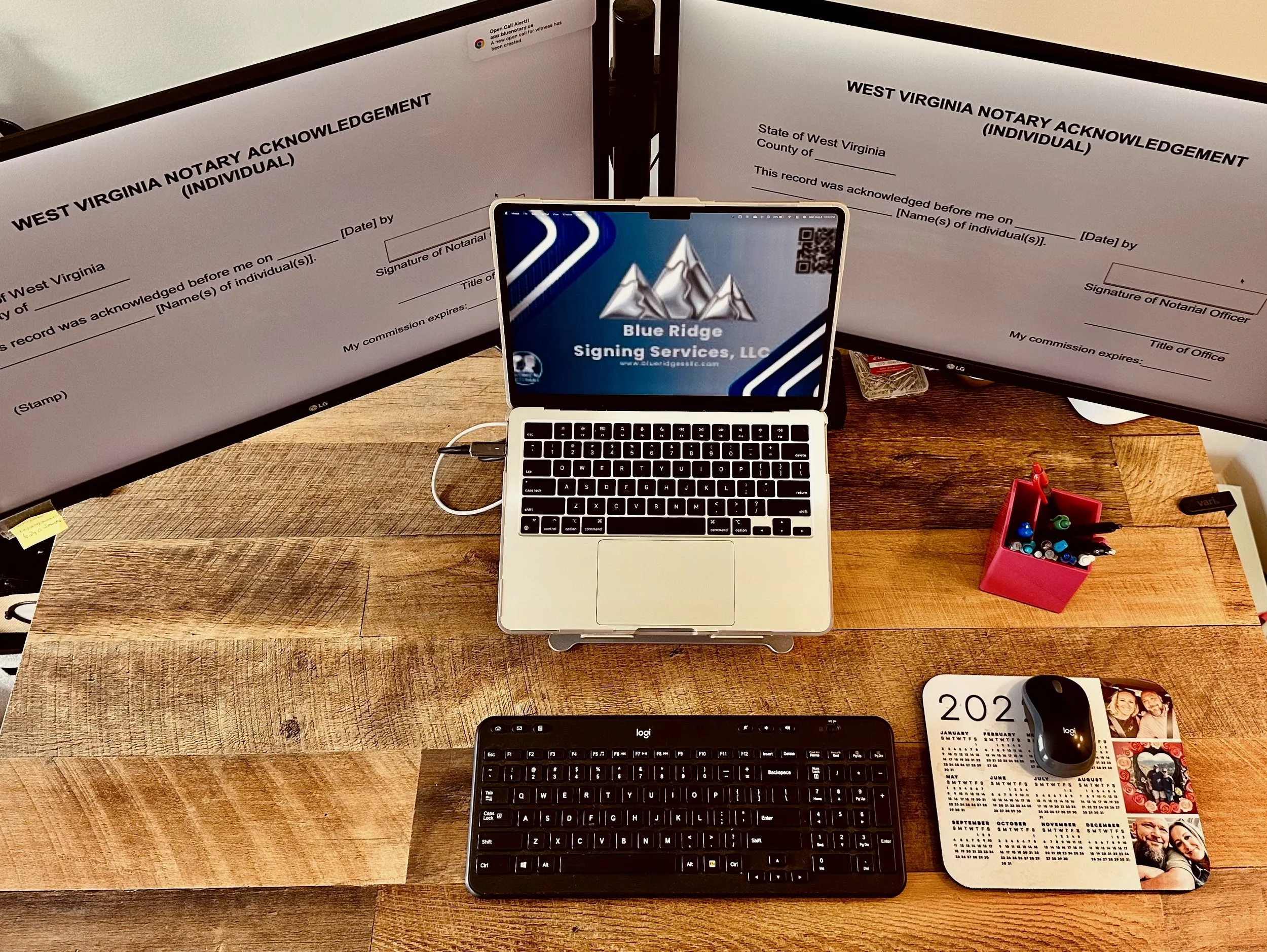
Here's exactly what happens behind the screen during every RON session I perform.
Step 1: Credential Analysis
Before anything else, your ID is scanned and run through automated authenticity checks. This isn't a visual glance — it's a technical verification that the document itself is legitimate.
Step 2: Identity Proofing
Next comes a second layer of verification: either biometric confirmation or knowledge-based authentication (KBA) questions, depending on what your state permits. Both steps have to pass before a session can proceed — no exceptions, whether it's a standard RON session or one following MISMO/FNF lender compliance standards.
And beyond the automated checks, I personally compare your scanned ID against the person sitting in front of my screen. The technology verifies the document. I verify the person.
Step 3: The Session Itself
Every RON session is recorded — full audio and video — and retained for 7 to 10 years depending on state requirements, in secure, tamper-resistant storage. I also keep detailed journal entries: date, time, your identification method, the documents notarized, and any irregularities that came up.
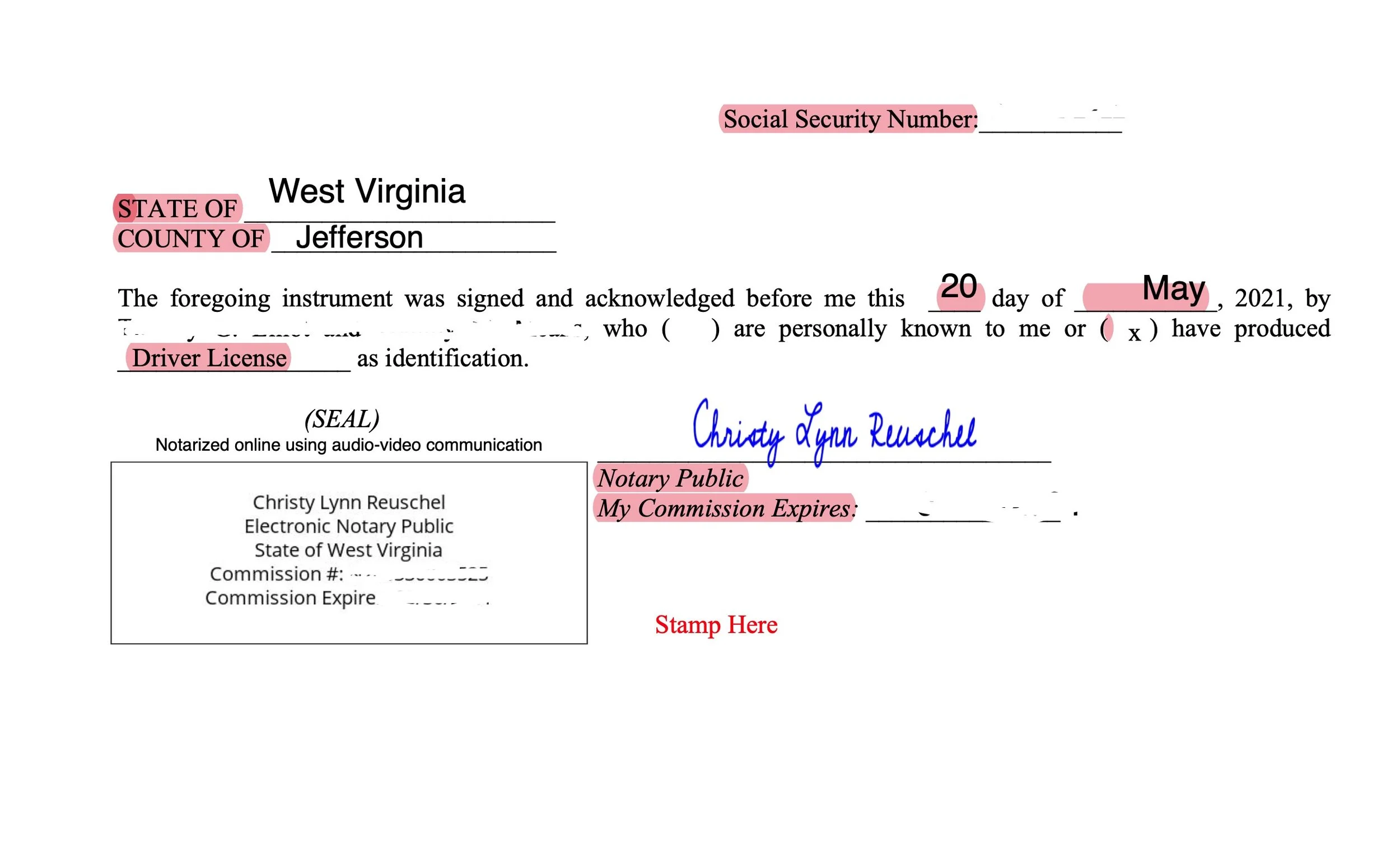
Step 4: Tamper-Evident Sealing
Once your documents are signed and notarized, they're locked with tamper-evident digital certificate encryption. If anyone tries to alter the document after the fact, that seal reveals it. This is what makes a RON-notarized document just as legally defensible as one signed in person — arguably more so, given the audit trail.
Audit Log vs. Session Report — What's the Difference?
These two terms get used interchangeably, but they're not the same thing:
- Audit logs are the raw technical record — timestamps, IP addresses, authentication attempts, system-level data captured automatically during your session.
- Session reports are the client-ready summary built from those logs — the document title companies, lenders, and attorneys actually rely on to confirm everything was done correctly.
Think of the audit log as evidence, and the session report as the professional presentation of that evidence. I maintain both for every session, so if a document's validity is ever questioned, there's a complete record backing it up.
Why This Matters to You
Whether you're a title company confirming compliance, an attorney managing a client's estate documents, or someone signing a power of attorney from out of state, the standard is the same: verified identity, secure recording, and a tamper-proof final document. RON isn't a shortcut around the traditional notarization process — it's the same rigor, delivered digitally.
I'm certified for West Virginia Remote Online Notarization, available statewide and nationwide via BlueNotary. If you need a signing handled remotely — whether you're traveling, working from home, or coordinating a multi-party closing — book a RON session here.
Blue Ridge Signing Services, LLC | Jefferson & Berkeley Counties, WV | (304) 350-7741
